The Challenge
Understanding Where We Started
Before we can appreciate the transformation, we need to understand the technical landscape Phi Alpha Theta operated within for over two decades.
The Context
The previous system was built in an era before cloud computing, before mobile devices, and before modern web applications. It served the organization faithfully, but technology had fundamentally changed around it.
University Infrastructure Dependency
All Phi Alpha Theta operations were hosted on University of South Florida servers. This arrangement created several constraints:
Email Identity
No @phialphatheta.org email addresses. All staff communications used @usf.edu accounts.
Data Custody
Member data resided on university servers, not under direct organizational control.
System Access
Code modifications required university IT involvement. Staff couldn't make changes independently.
IT Scheduling
Updates and maintenance followed university timelines, not organizational needs.
The Database Architecture
The core system was a Microsoft Access database—a desktop application designed for local use, not web connectivity.
Technical Reality
Access databases were the standard solution when this system was built. However, they weren't designed for real-time web access, mobile devices, or distributed teams.
- Desktop-only application
- No web interface for remote access
- Single-user editing at a time
- No API for external integrations
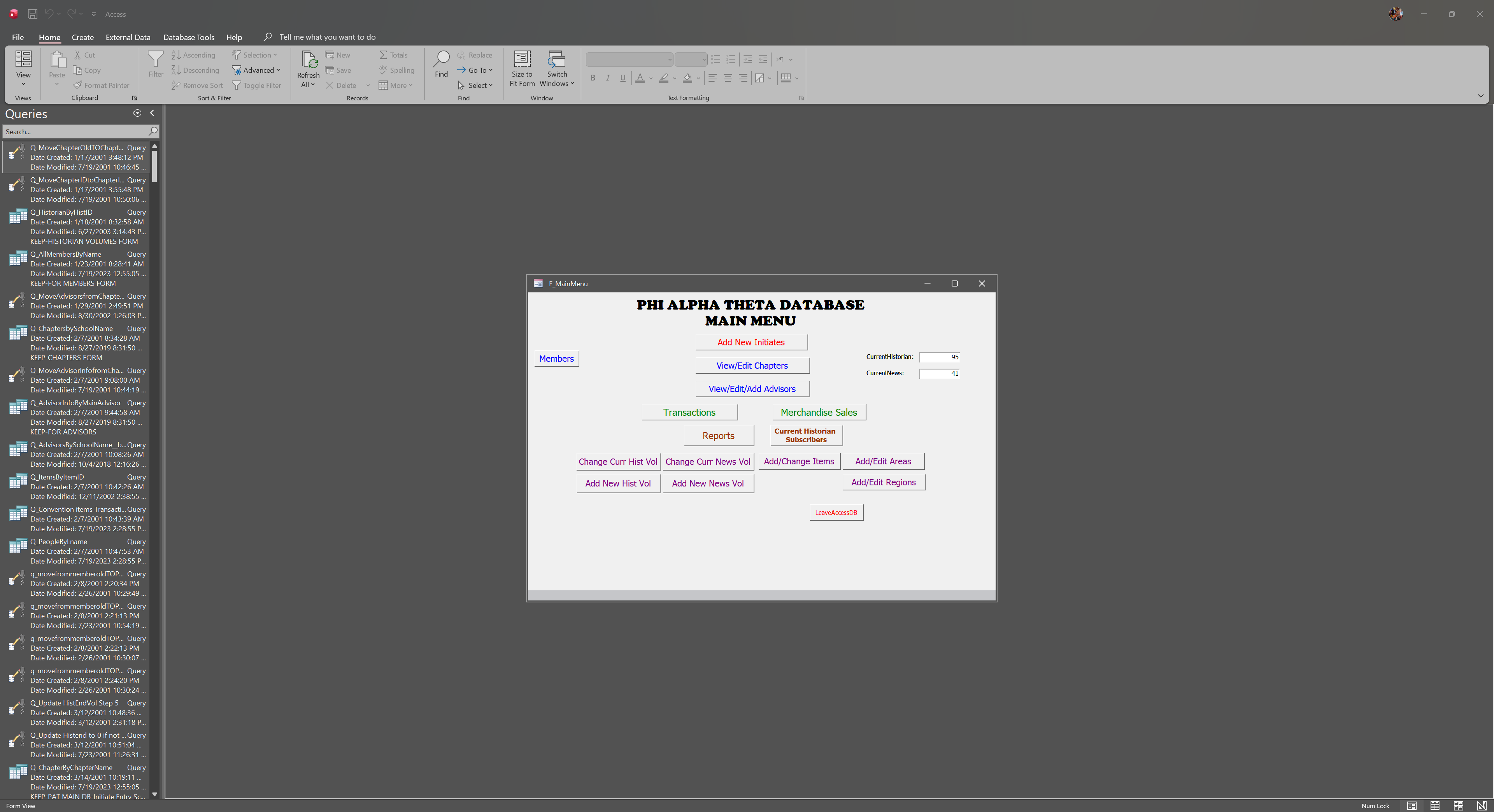
The Access database main menu interface
Member Data Management
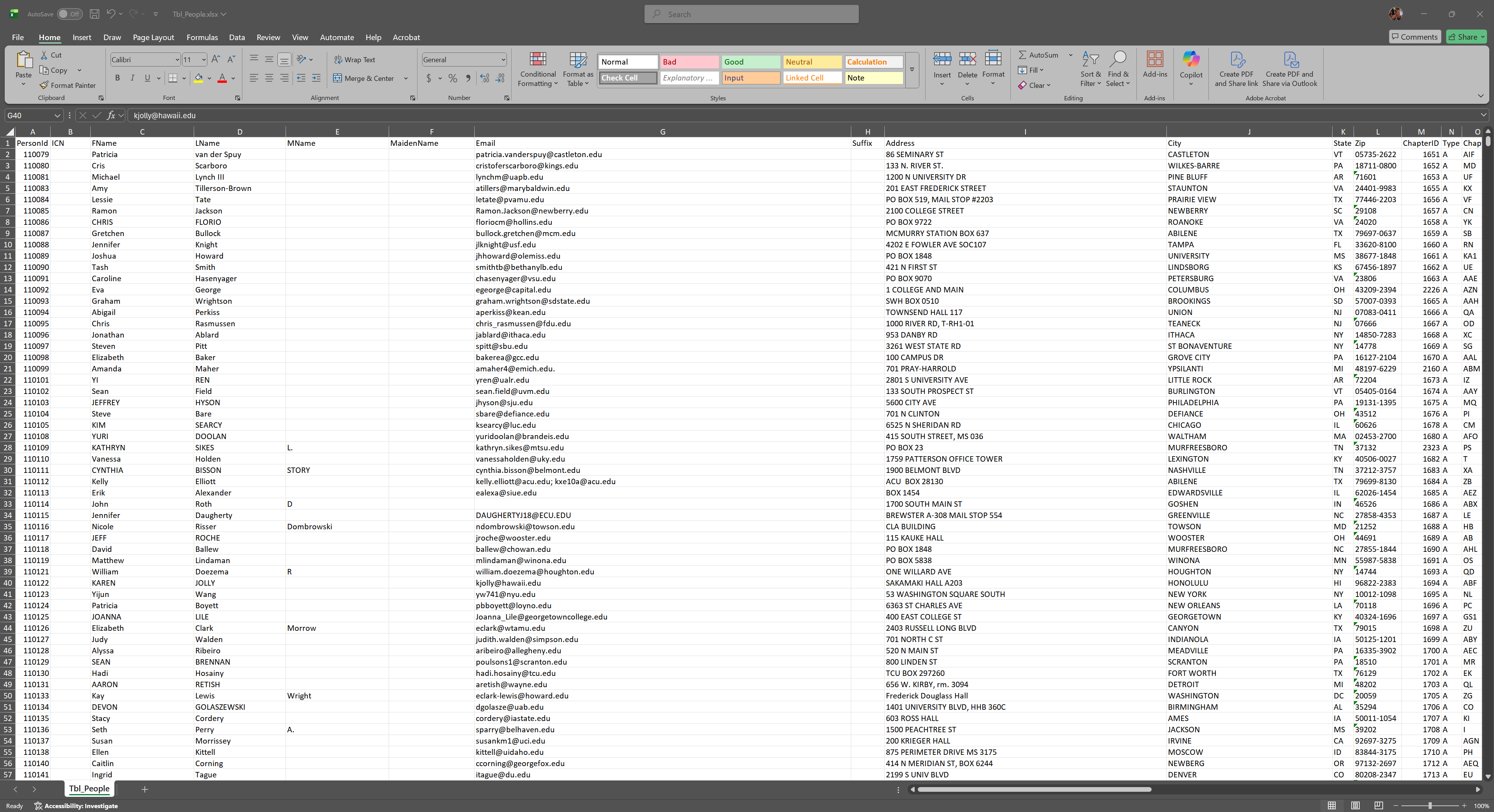
Member data exported to Excel for reporting and processing
Data Handling Process
Member information was managed through a combination of Access tables and Excel exports. Faculty advisors submitted new member data via email, which staff then manually entered into the system one record at a time.
Manual Operational Workflows
Without web connectivity or automation capabilities, every process required manual intervention:
New Member Registration: Faculty advisors completed spreadsheets and emailed them to Central Office for manual data entry.
Certificate Generation: Each certificate was generated individually, requiring manual tracking of which members had received theirs.
Payment Processing: Payments arrived via mail or external store links, requiring manual reconciliation with member records.
Reporting: Any reports required manual data exports and spreadsheet manipulation.
Technology Constraints
The system predated many technologies that modern organizations rely on:
No Self-Service
Members and faculty advisors couldn't access or update their own information online.
No Mobile Access
The desktop-only system couldn't be accessed from phones or tablets.
No Real-Time Data
Information was only as current as the last manual update.
No Integrations
The system couldn't connect with payment processors, email platforms, or other modern tools.
The Fundamental Limitation
The architecture was designed for a world before cloud computing. Adapting it to modern requirements would have required rebuilding it entirely—which is exactly what we did.
20 Years of Technical Debt
Over two decades, the gap between the system's capabilities and organizational needs continued to grow:
When Built (Early 2000s)
- Dial-up internet was common
- No smartphones existed
- Cloud computing wasn't available
- Email was cutting-edge
Today's Expectations
- Always-connected applications
- Mobile-first experiences
- Real-time data sync
- Self-service everything
The system was appropriate for its era. But technology had evolved, and the organization needed a platform that could evolve with it.
The Path Forward
After 20 years, it was time for a strategic modernization.
20+
Years of Legacy Technology
0
Web-Based Capabilities
100%
Manual Processes
1
Opportunity to Transform
The Opportunity
Rather than incremental patches to an aging system, we had the opportunity to build something entirely new—a modern platform designed for how organizations operate today and will operate tomorrow.